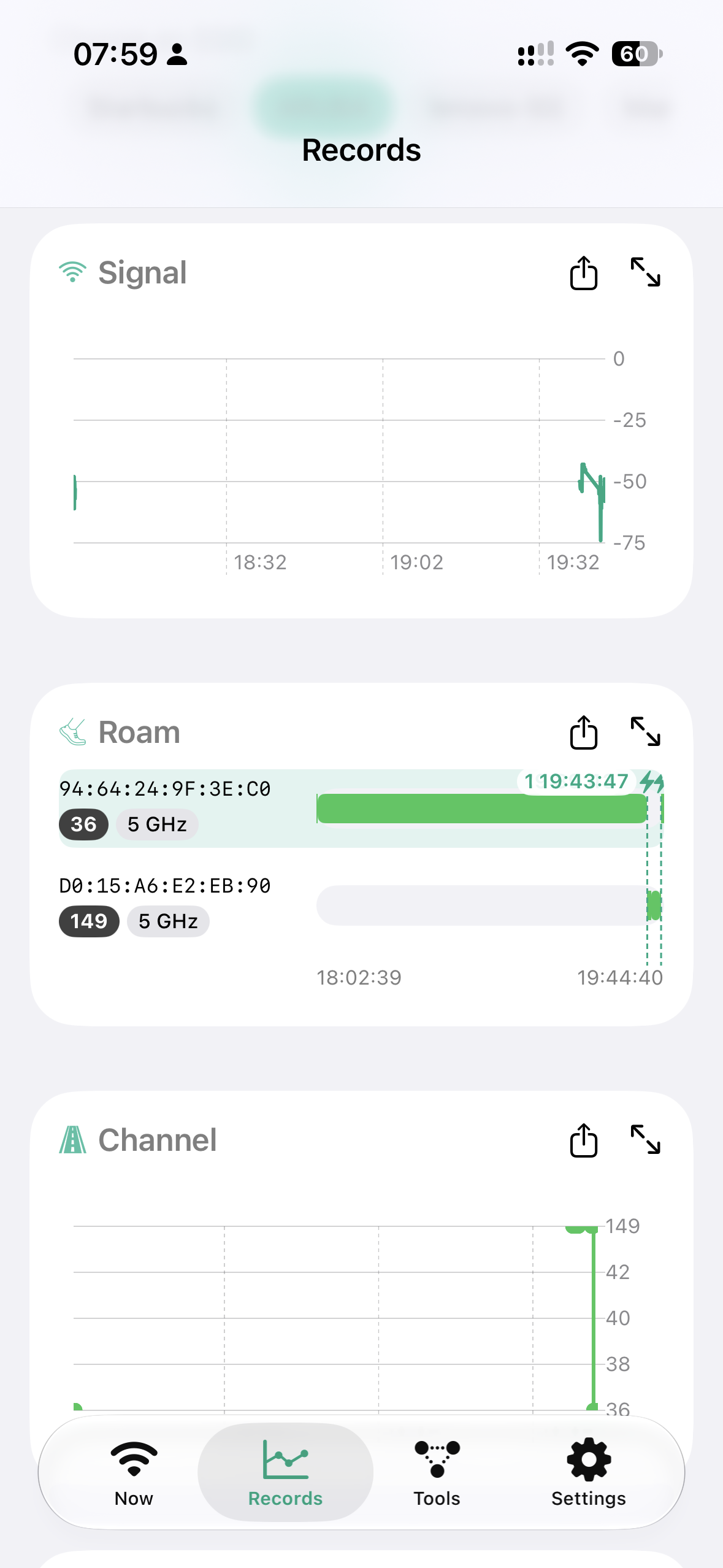
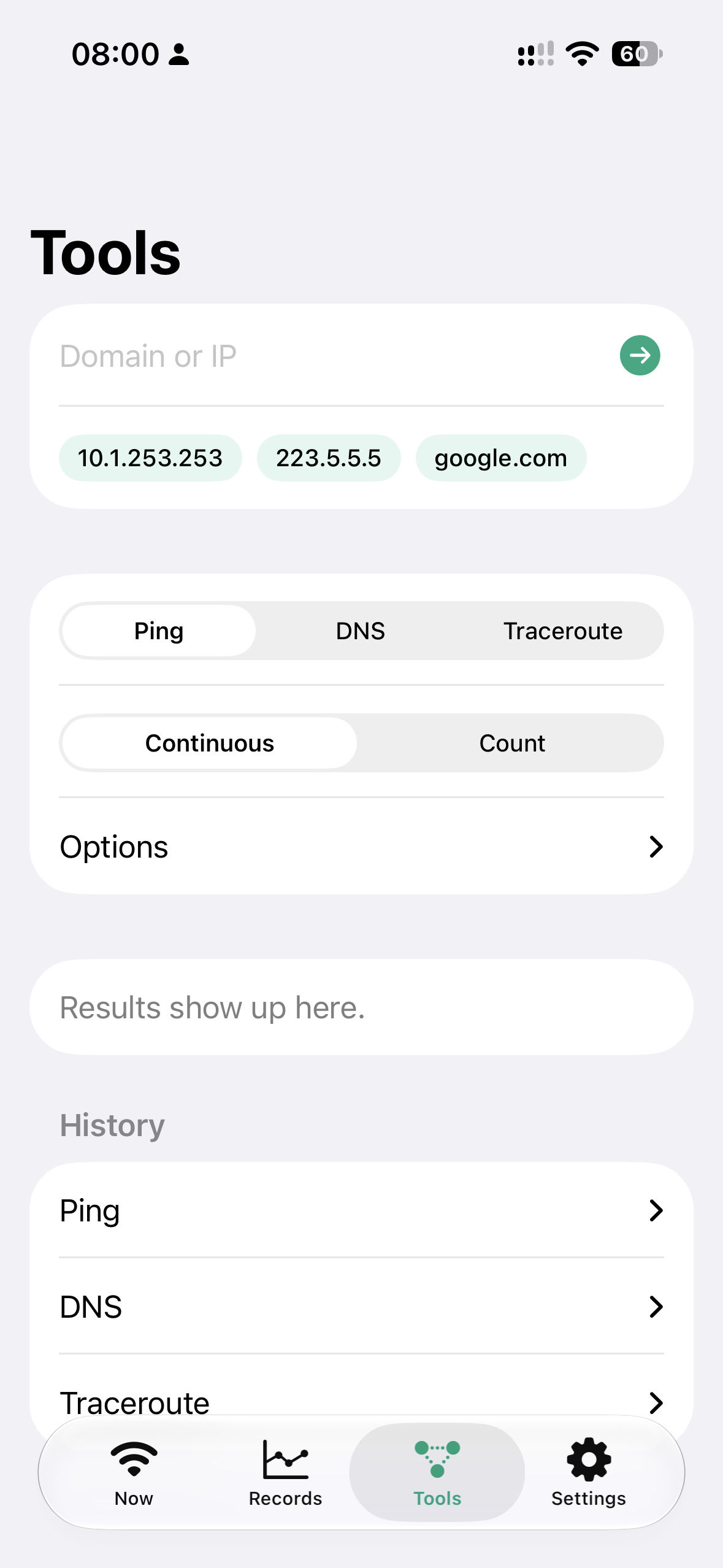
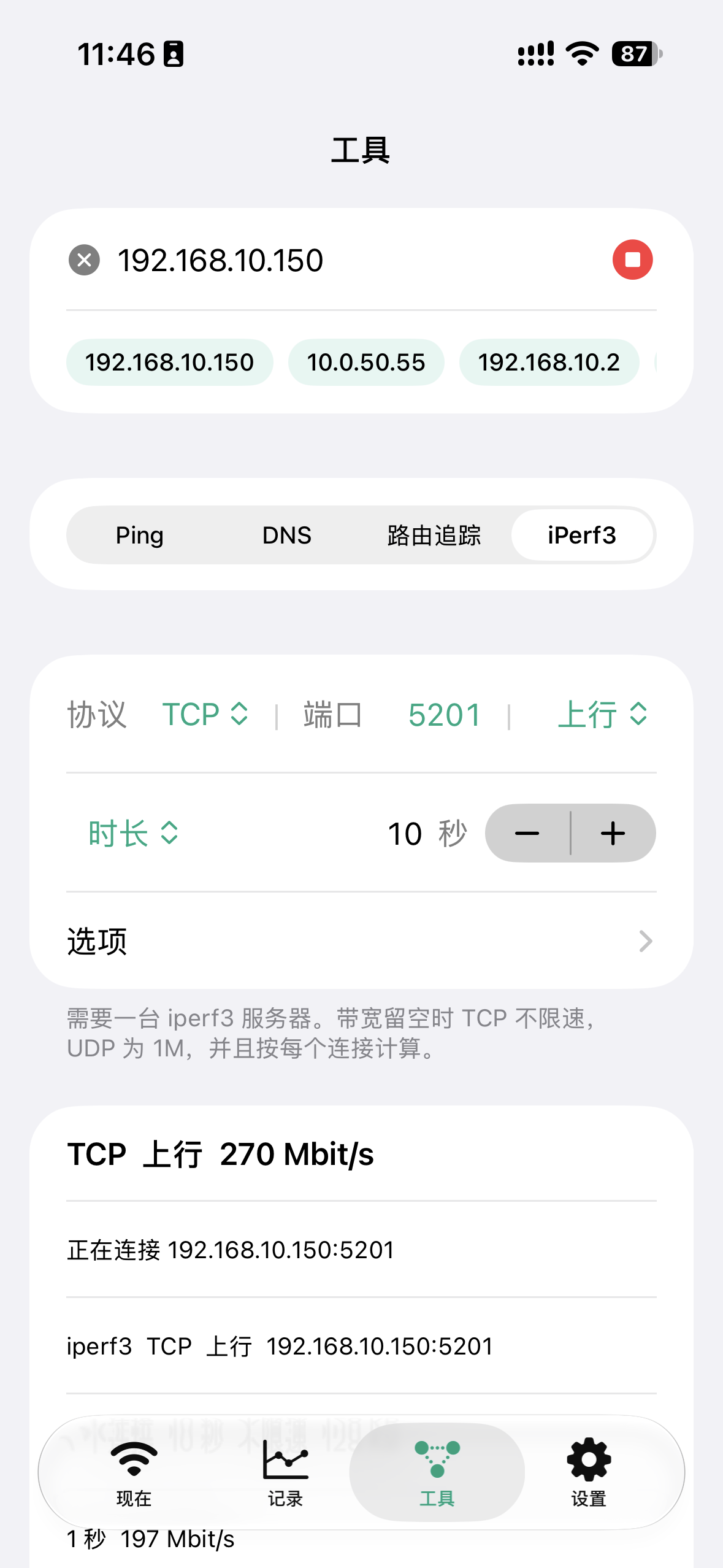
当前网络,一屏看完Your network at a glance
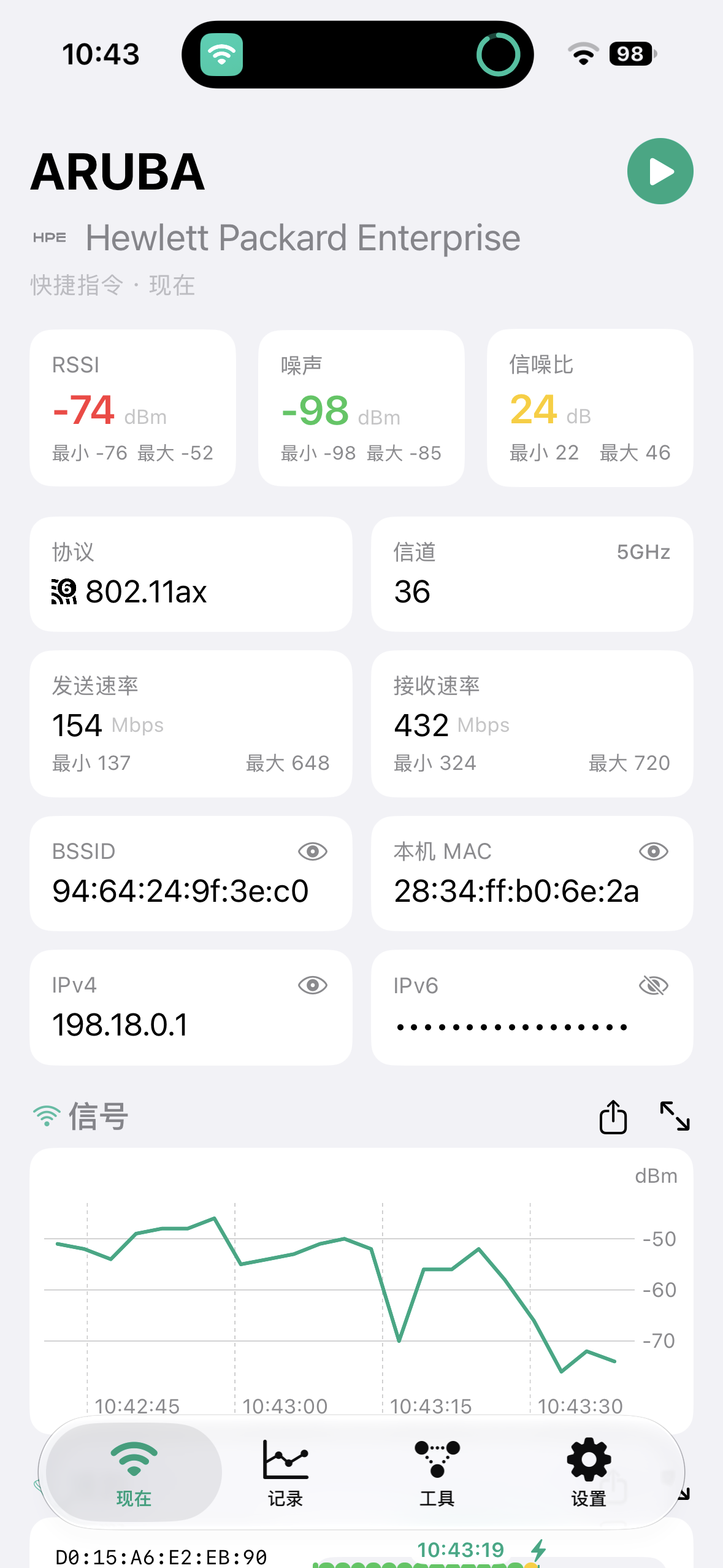
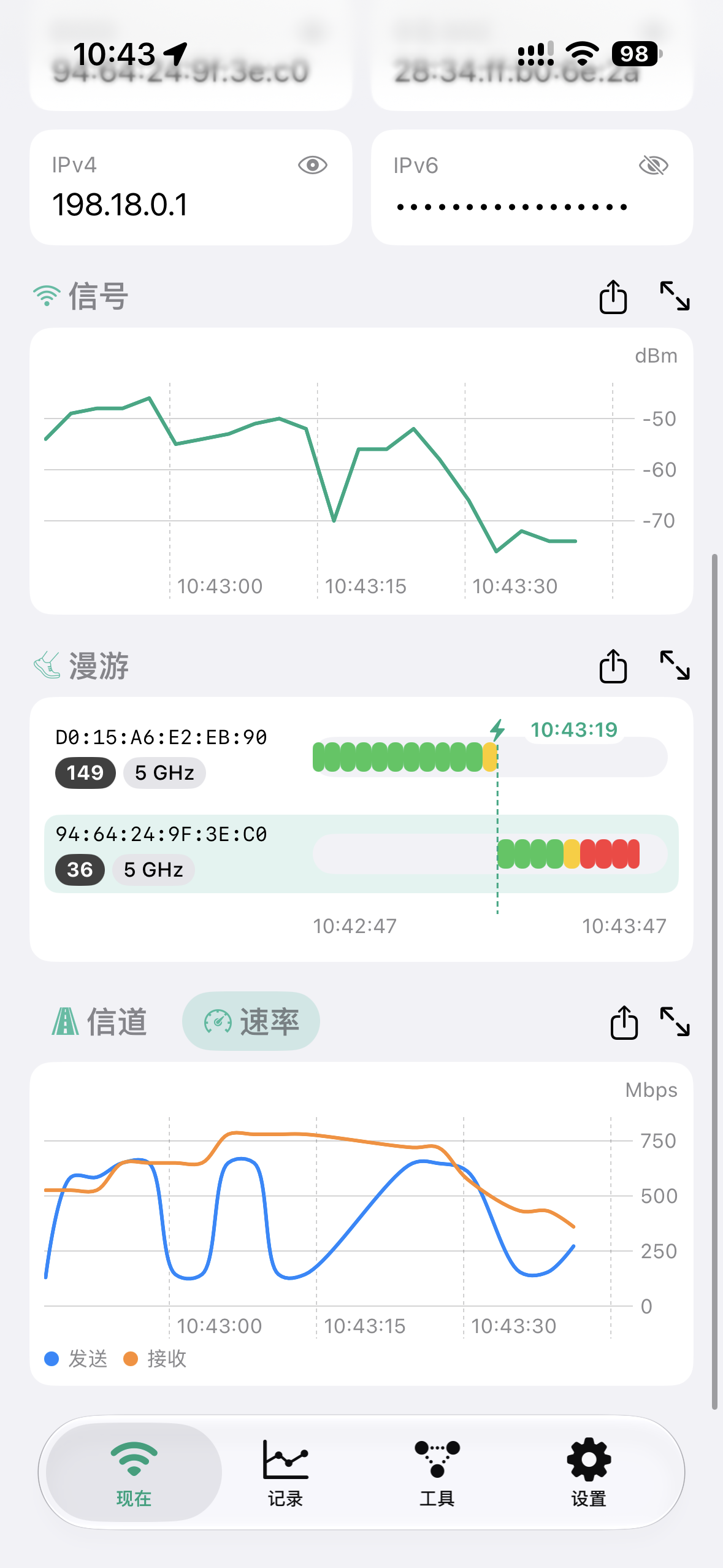
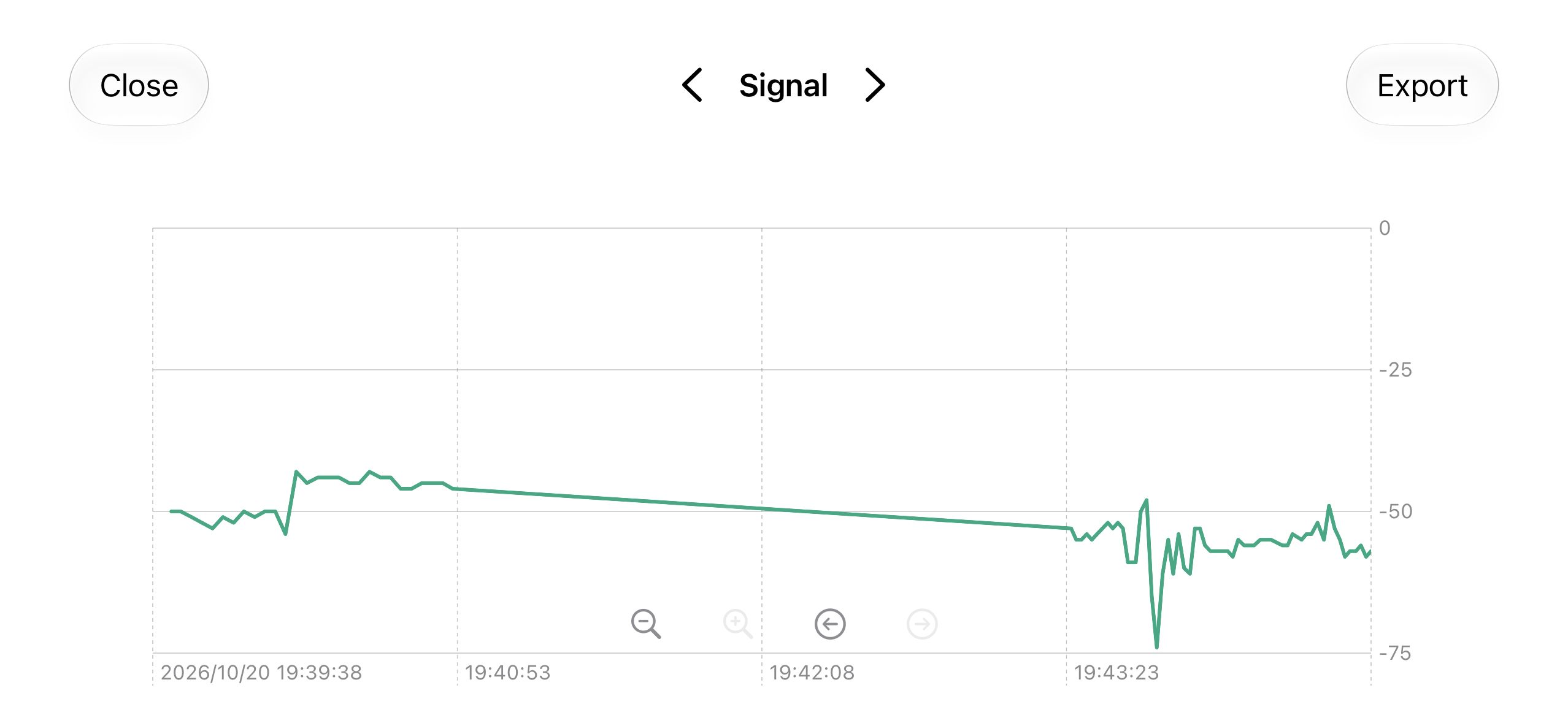
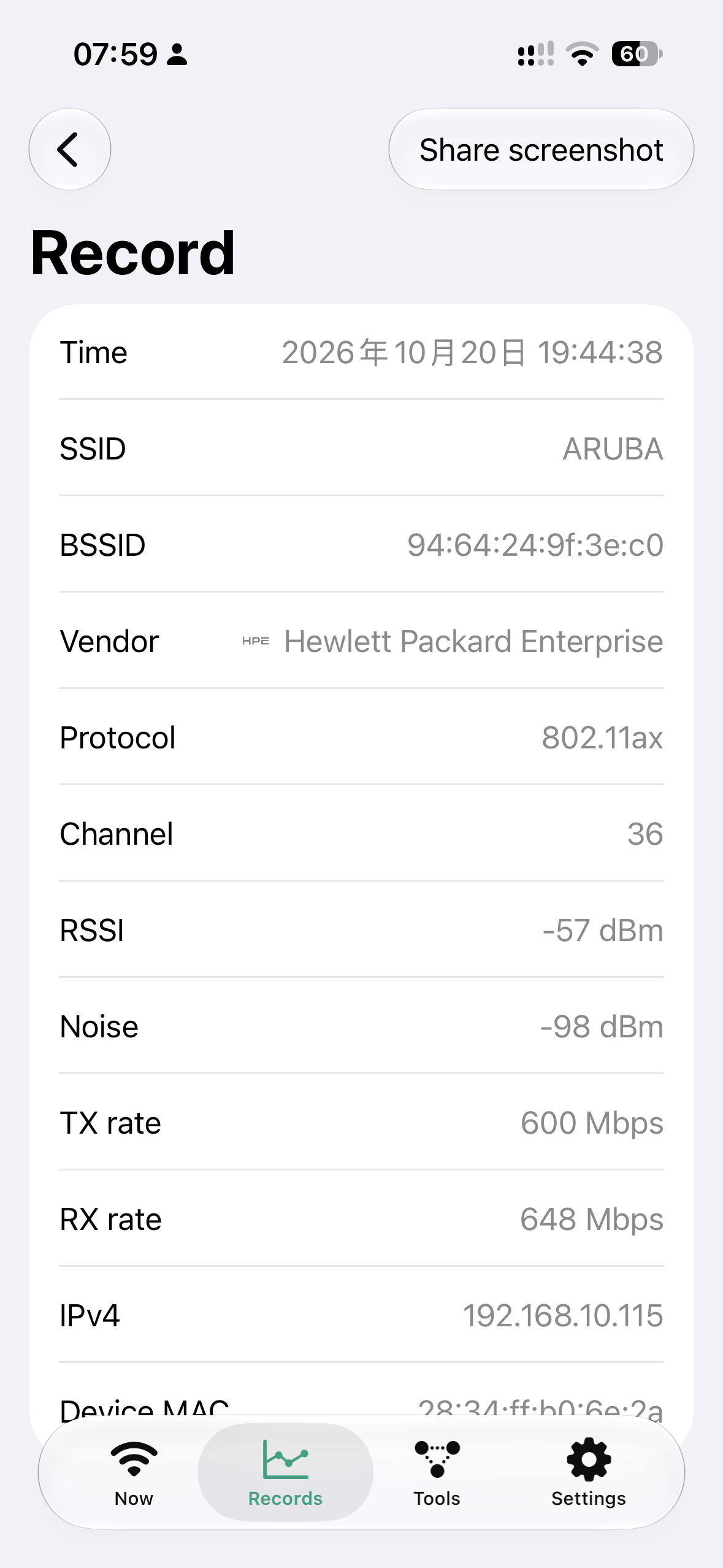
打开就能看到连着哪个 Wi-Fi、路由器是哪家厂商的,以及 RSSI、噪声、信噪比、协议、信道和收发速率。每项数值下面标着这次采集里的最低和最高。 Open the app to see which Wi-Fi you are on, who made the router, and the RSSI, noise, SNR, protocol, channel, and link rates. Each value shows the lowest and highest reading from the current capture.
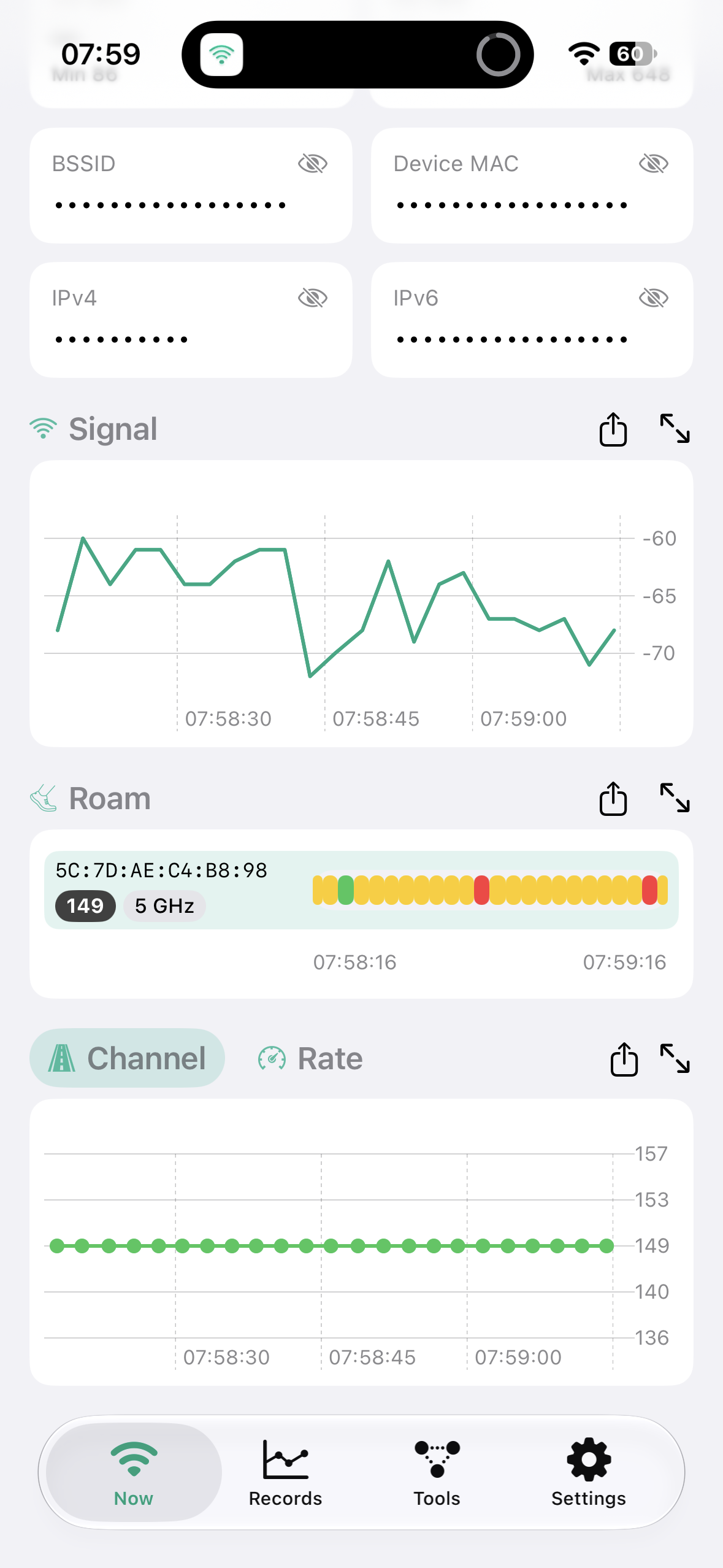
截图发给别人之前,可以一键遮住 BSSID、本机 MAC 和 IP 地址。 Before you send a screenshot to someone, tap once to hide the BSSID, device MAC, and IP addresses.